


 Login: Finland
With Ropo One® integration, you can follow up-to-date invoice status directly in your existing system, such as your ERP or invoicing platform. When your attention or decisions are required, you receive an email notification leading to the task in hand in Ropo One®.
In this article we explain in detail how Ropo makes invoice task handling as easy, transparent, and efficient as possible.
The invoice card: one place for your daily invoice tasks
Typically, clients have a dedicated system for creating invoices – and with Ropo, they can continue to use that. Once an invoice is created, everything flows smoothly in Ropo One®, which is seamlessly integrated with the client’s system landscape. Day-to-day work around invoicing continues in the existing system, while Ropo One® manages the invoice lifecycle in the background.
Every invoice managed in Ropo One® has its own invoice card. This is a central view that brings together all invoice details, case events, and communication related to the specific invoice.
You can also message colleagues and the Ropo team directly from the invoice card – the recipient gets an email notification with a direct link to the invoice in question. The Ropo One® dashboard also includes messages, pending action queries, and tasks.
The invoice card has a clear, tab-based structure that makes daily work faster and easier to follow. From this view you can quickly access a complete timeline of case events, including end-customer interaction, advancing to different phases, and communication between your team and the Ropo team related to the specific invoice. This ensures that the full story of an invoice is always visible without switching between multiple views.
You can read more about the invoice card structure in our Ropo One® Product Updates – April 2026.
Action queries keep your team in control
Most steps in the invoice lifecycle run automatically in Ropo One® according to pre-set rules, customized for client-specific needs while consistently following industry best practices and compliance requirements.
The level of automation can be extended or limited and customized by client segment. This enables a tailored late payment approach for different customer groups.
To ensure full control and transparency throughout the invoice flow, some actions can be configured to require confirmation from the client. These situations appear as action queries in Ropo One® and trigger a notification with a direct link to the relevant task.

Typical decision points include approving specific actions in the collection process, for example confirming whether to proceed to legal collection.
Action queries are designed to support informed decision-making by providing suggestions and relevant background information.
Ropo One® creates action queries automatically, minimizing delays and process bottlenecks. Automation and your decisions then move the invoice process forward without unnecessary manual work.
Up to date status in your own system
Having the entire invoice workflow connected changes how daily work feels. For enterprise clients, the primary workspace remains within their existing system, and Ropo One® is designed to integrate seamlessly together with any system landscape, improving efficiency, visibility, and control.

How Ropo One® and your system stay in sync
Ropo One® integrates with client systems and automates invoice management from delivery through all lifecycle stages. Payment status and invoice phase updates flow continuously back into the client’s system.
Ropo One® REST API enables seamless integration with the client’s system landscape. Bidirectional data flow ensures that both systems are kept up to date, with real-time status updates returning directly to your ERP or invoicing system. Comprehensive integration significantly boosts operational efficiency, reduces costs, and ensures end-to-end process transparency.
Learn more about Ropo One® ERP Integrations & Partners >
Seamless integration ensures that your team is always up to date: monitoring invoice status is easy in your existing system, and every stage is available without switching between systems.
When access to Ropo One® is needed, the transition is smooth. Notifications include direct links, and tasks can be accessed with minimal clicks and navigation. Your team and the dedicated Ropo team work within the same shared context, with full visibility into each invoice.
With everything related to an invoice in one place – details, history, communication, and action queries – your team can handle daily work faster, prioritize what matters most, and stay in control of what needs attention.
Ropo One® powers your team with advanced automation, transparency, and collaboration – helping you manage invoices more efficiently with full visibility from invoice delivery to late payment actions.
Interested in how Ropo One® continues to evolve? Read our latest product updates here

Ropo is the Nordic market leader and pioneer in invoicing technology, transforming the invoicing flow end-to-end. We help companies unify and streamline all invoicing processes to create a seamless workflow, providing full visibility, elevated customer experience, and improved control with a single overview. Committed to exceptional service and our one-platform strategy, we proudly support over 10,000 clients across Finland, Sweden, Norway, and Denmark. Learn more about Ropo at ropo.com.
Ready to streamline your invoicing flow?
Whether you’re looking to optimize, modernize, or get more out of your existing setup, our experts are here to help – from daily invoice handling to end-to-end process management with Ropo One®.

How Nordic market leaders improved efficiency and cash flow
What if invoicing could accelerate your financial flow?
Subscribe to our 3-email case series to see how companies like Caruna, Strawberry, and Bodø Energi streamlined their invoicing, reduced manual work, and boosted financial visibility – all through Ropo’s proprietary platform.
Three stories. Three strategies. Delivered directly to you.
Read more

Services & features
Ropo One® Product Updates – October 2026
Read more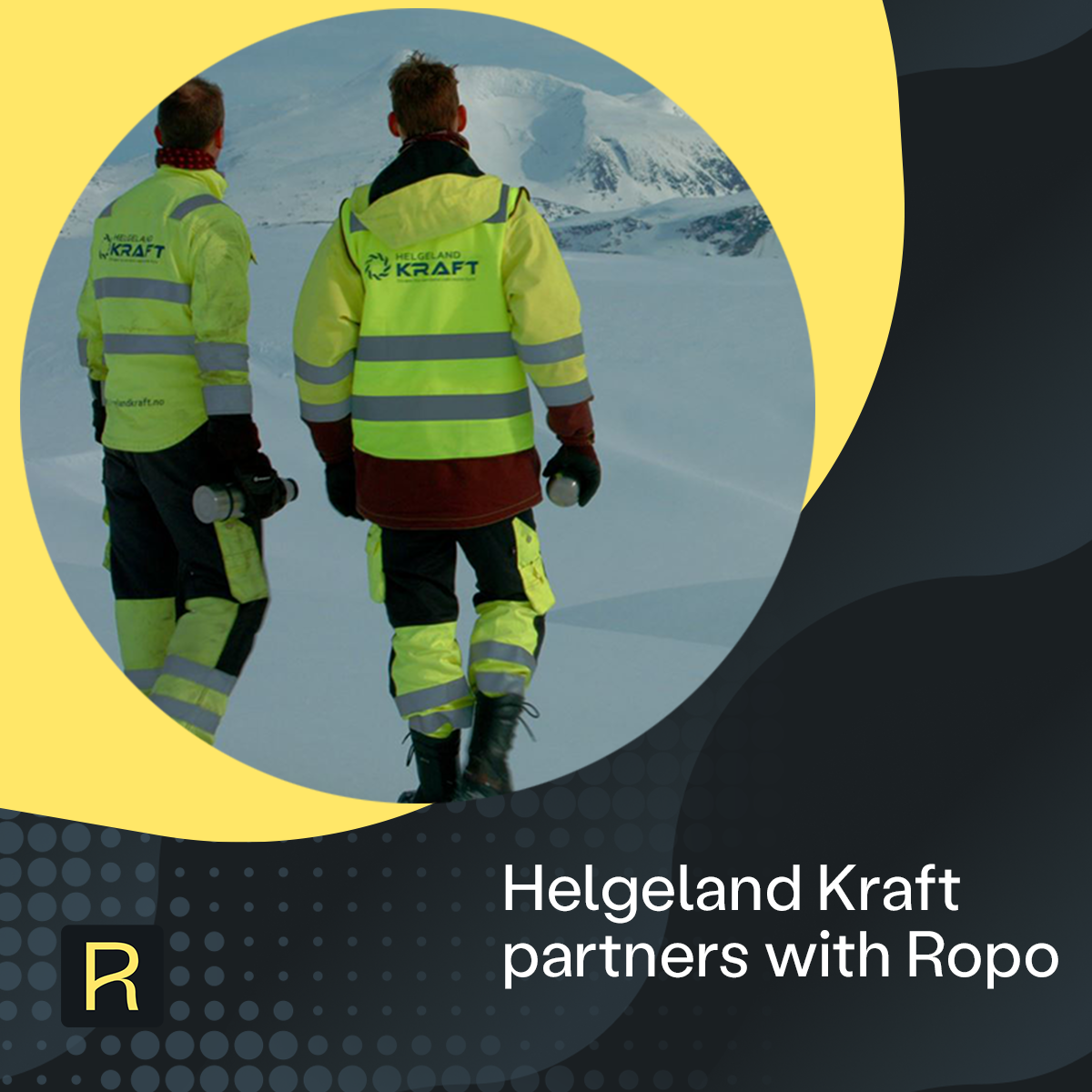
Client stories
Helgeland Kraft Chooses Ropo to Standardize and Automate Its Invoice Processes
Read more
Client stories
Adven Sweden Selects Ropo to Power Its Invoice-to-Cash Flow Across All Customer Segments
Read more
Client stories